Smart Deadbolt
KS150-BKP
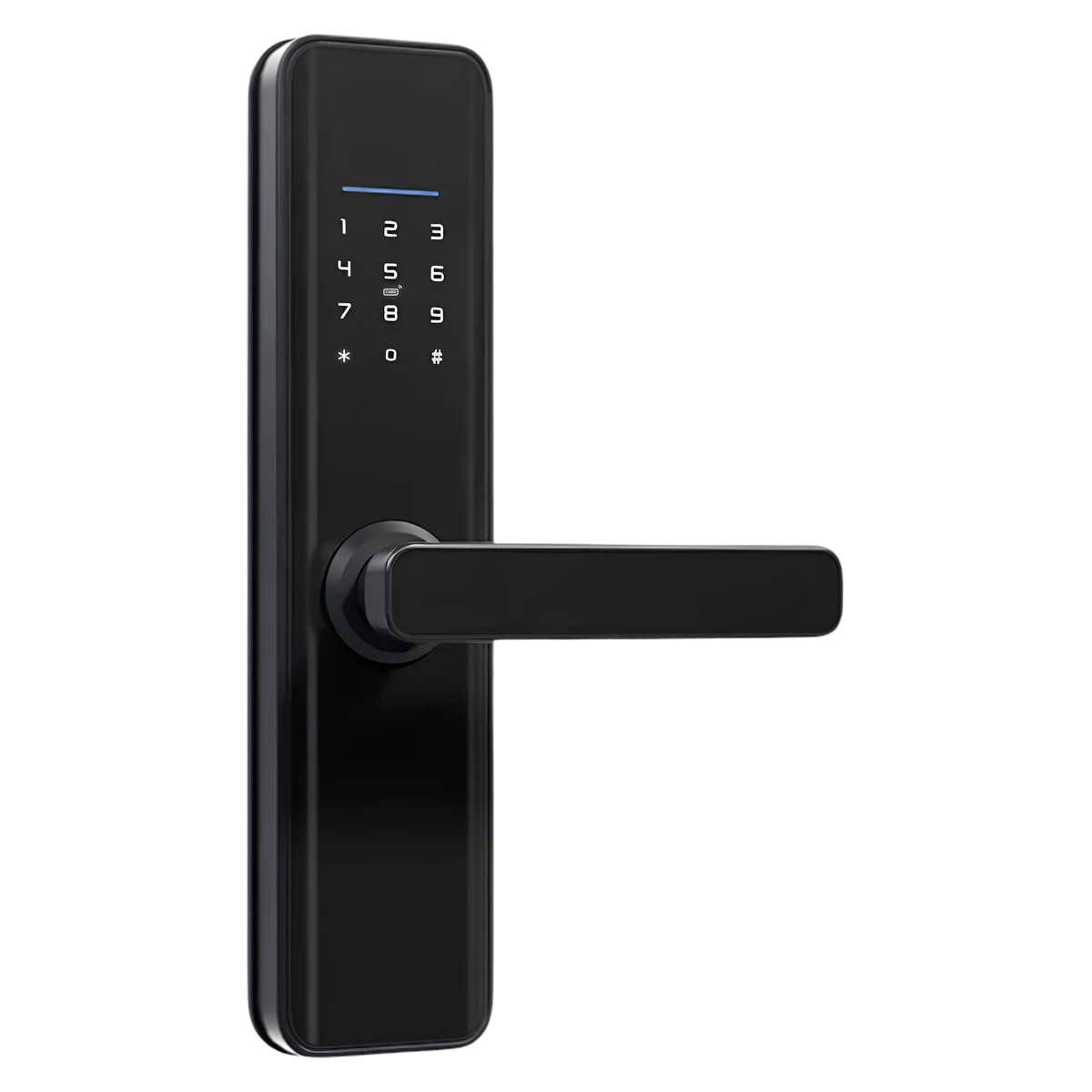
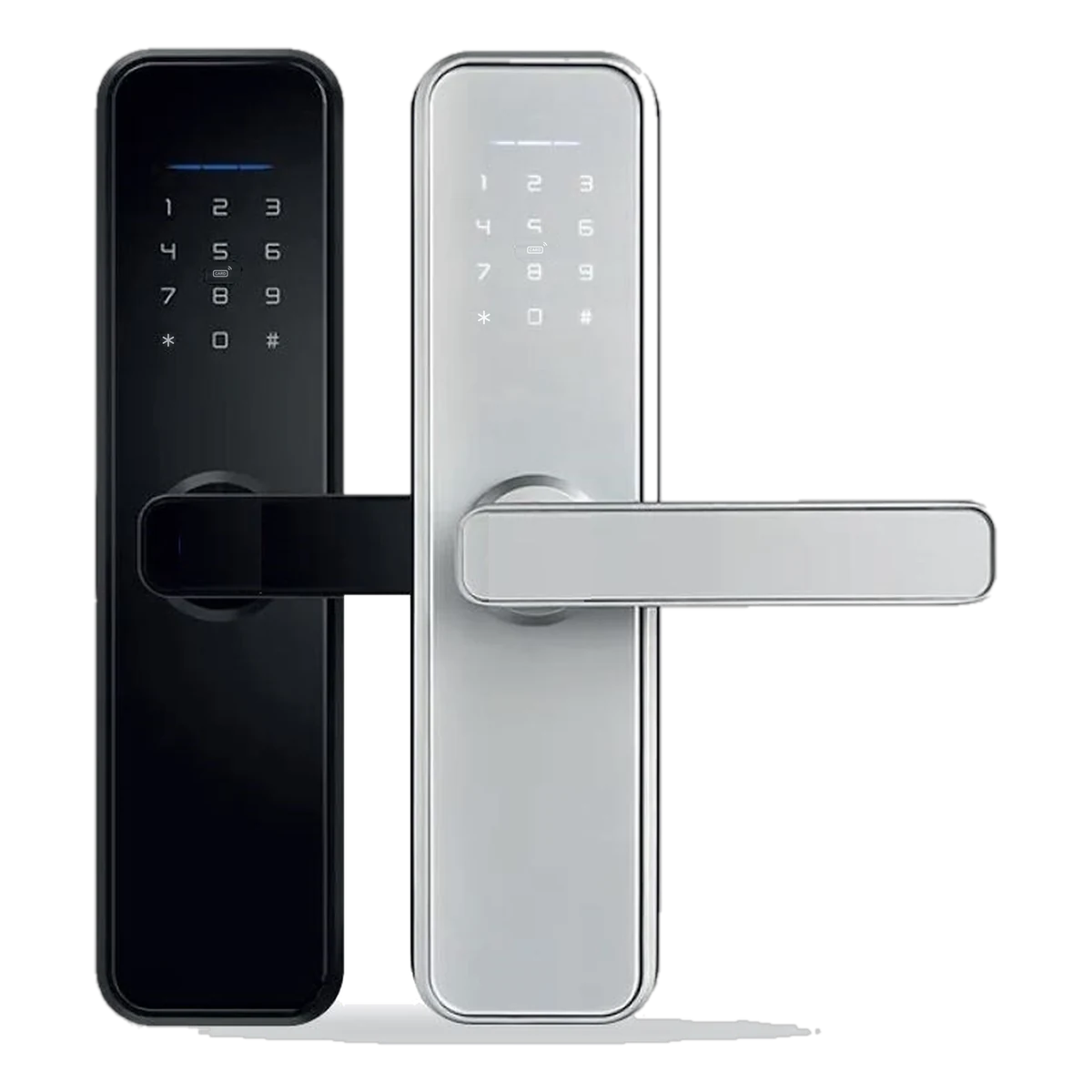
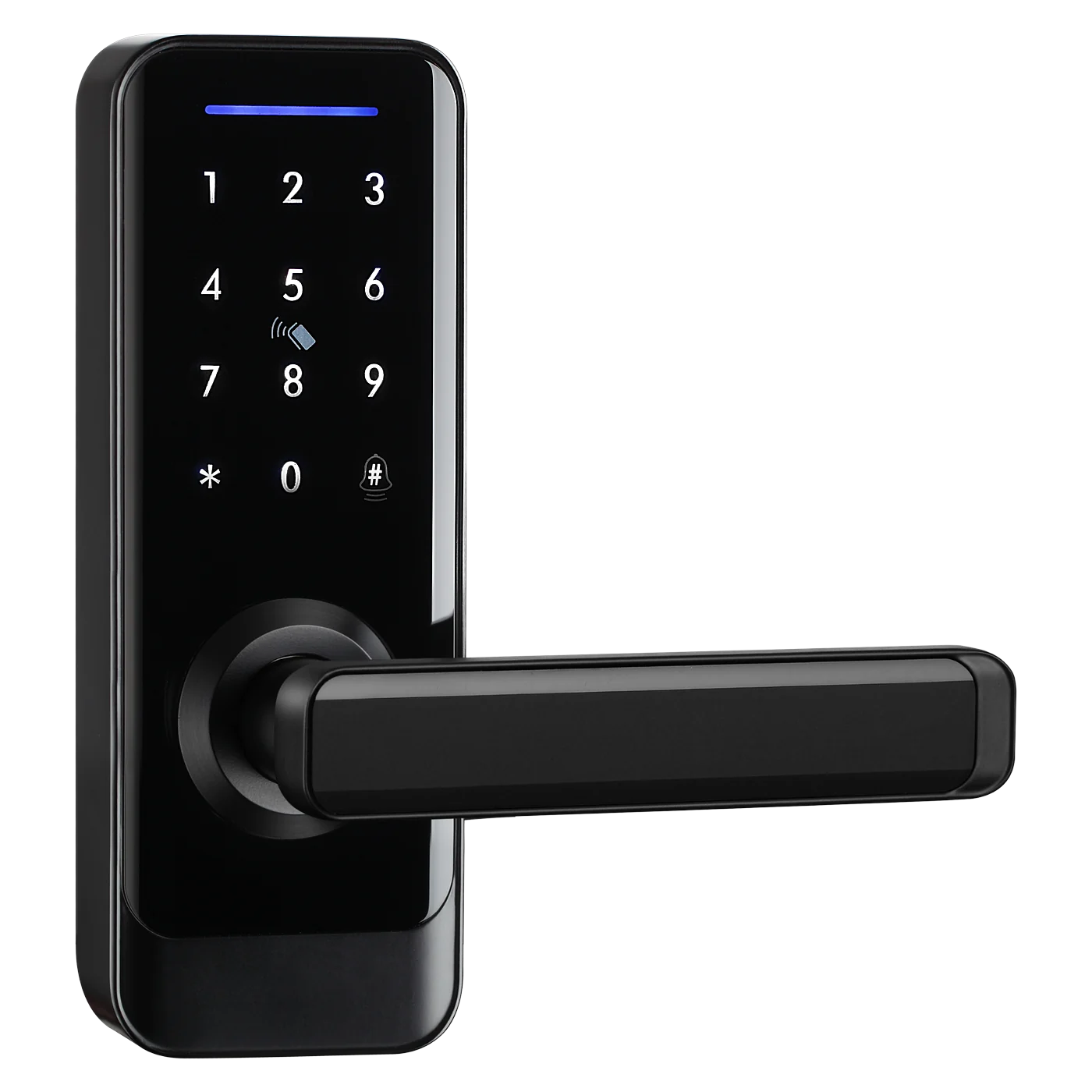
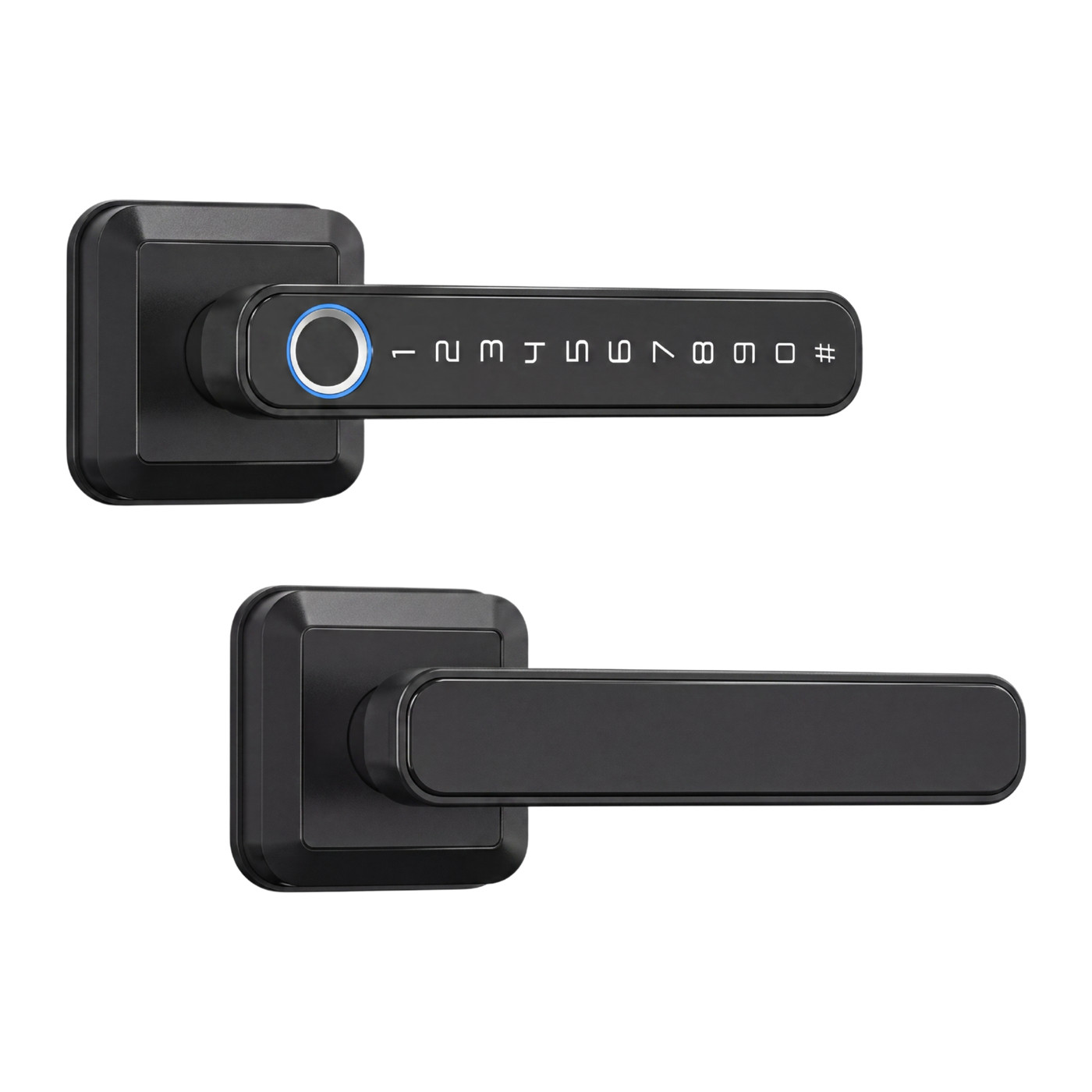
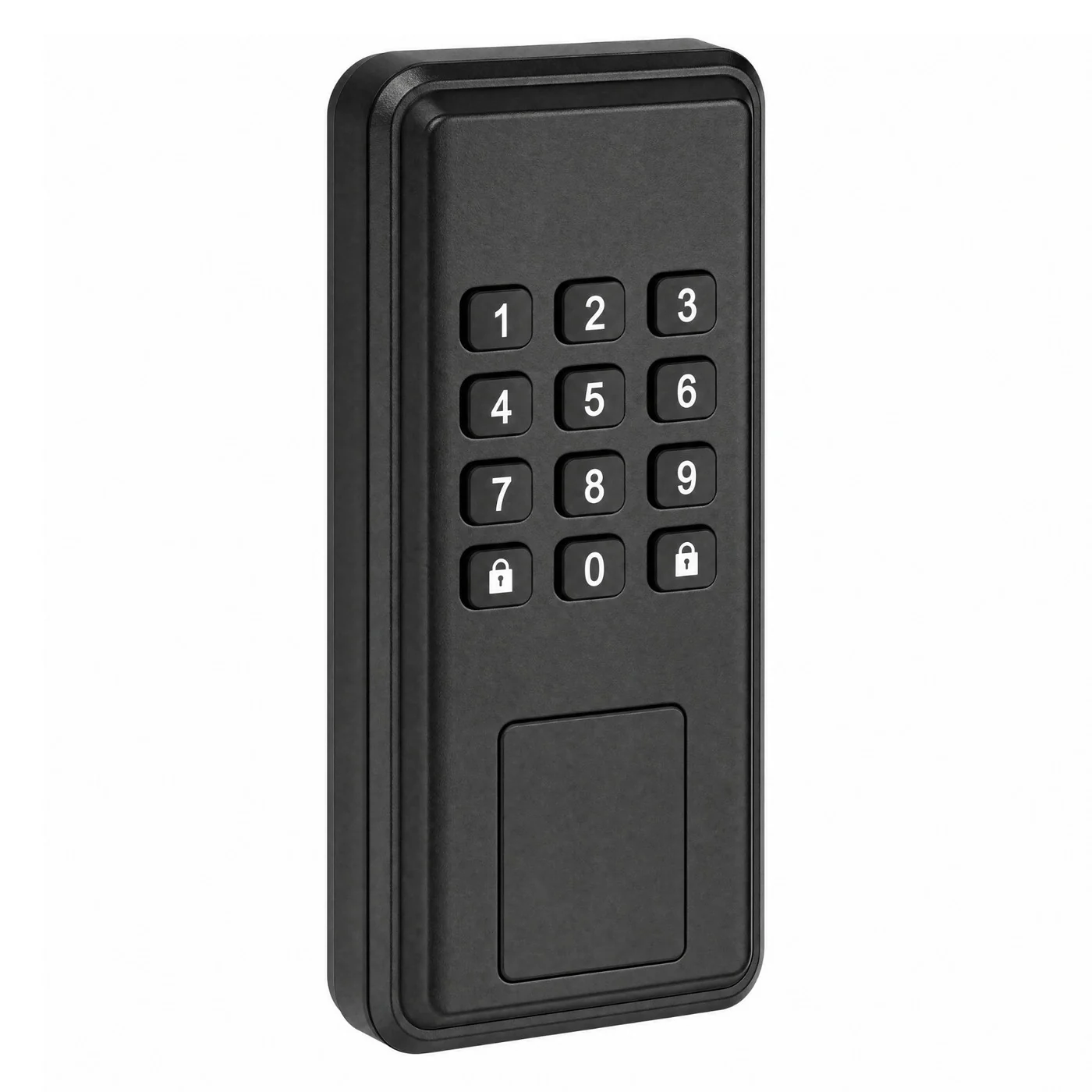
New. Push buttons instead of a touch keypad, a mechanical key, built-in Wi-Fi, and no card reader.
Have a locksmith install it. Most problems with smart locks come from how they were put in, not the lock itself. Our installers can do it and set up your PIN codes.
Specification
Specifications
From our own records for this lock.
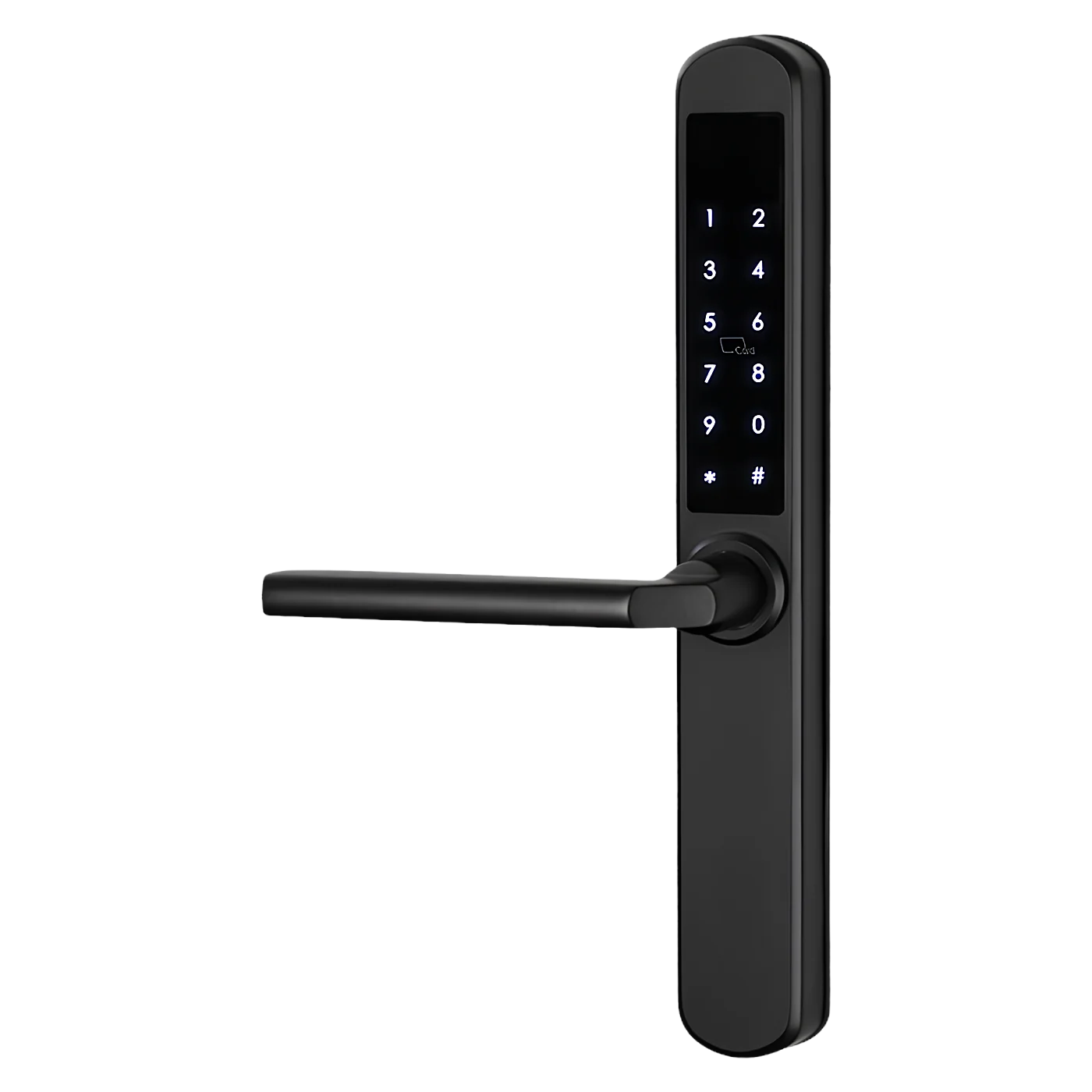
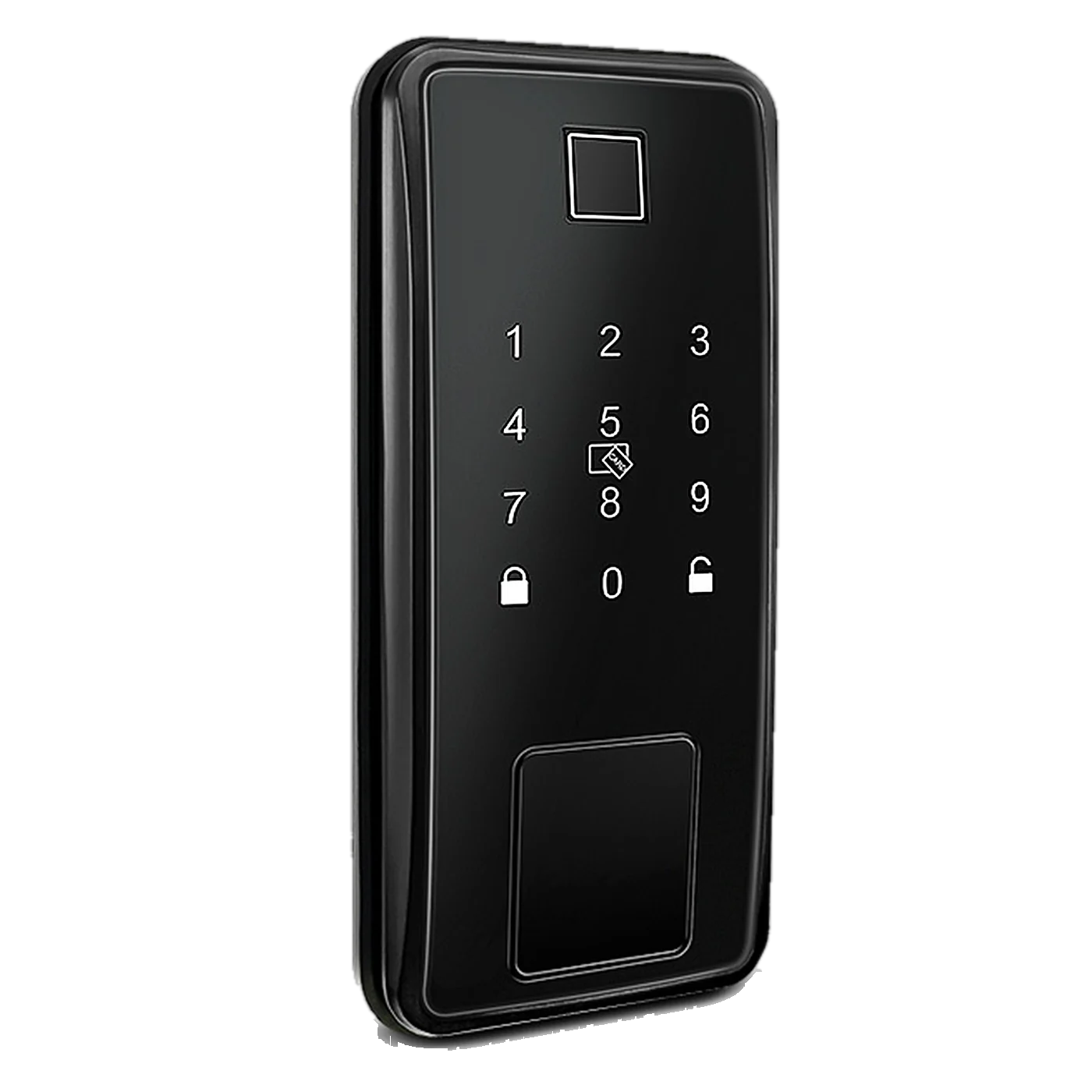
| Keypad | Push buttons, not a touch keypad |
| Card reader | None. It does not read cards or fobs |
| Mechanical key | Yes |
| Remote access | Built-in Wi-Fi, no gateway needed |
Documents
Downloads
This is the same guide that comes in the box. Mark the door from the paper template packed with the lock.
What it does
Three unlock methods.
- PIN codeSet your own on the buttons. Give each person their own code, and delete one without changing anyone else's.
- No card readerThis model does not read cards or fobs.
- Mechanical keyWorks whether the batteries are fresh or flat.
- The TTLock AppSend an eKey, read the access log, set a temporary PIN from your phone. With the built-in Wi-Fi, you can open the door, send a code and see who came and went from anywhere, with no gateway.
The app
The TTLock App
Free on the App Store and Google Play. TTLock make the app, so updates come from them. PIN codes and keys work whether you use it or not.
- Send an eKey to a phone
- Read the access log
- Set a temporary PIN
- Transfer the lock when the house sells
Built-in Wi-Fi
Mechanical key
3Unlock methods
The rest of the range
Other models
Narrowest panel first, because the width of your door stile decides which ones suit. New models are at the end.