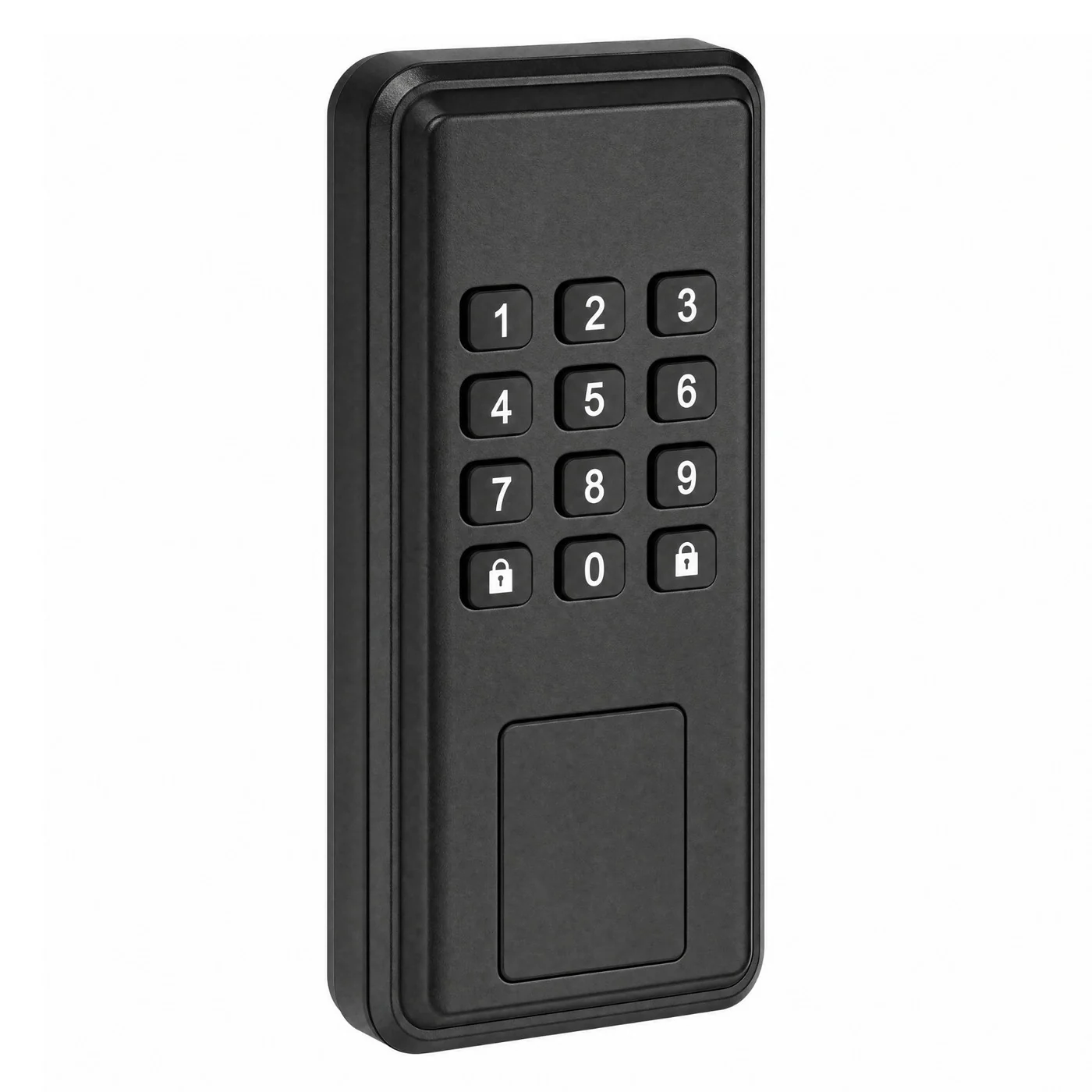
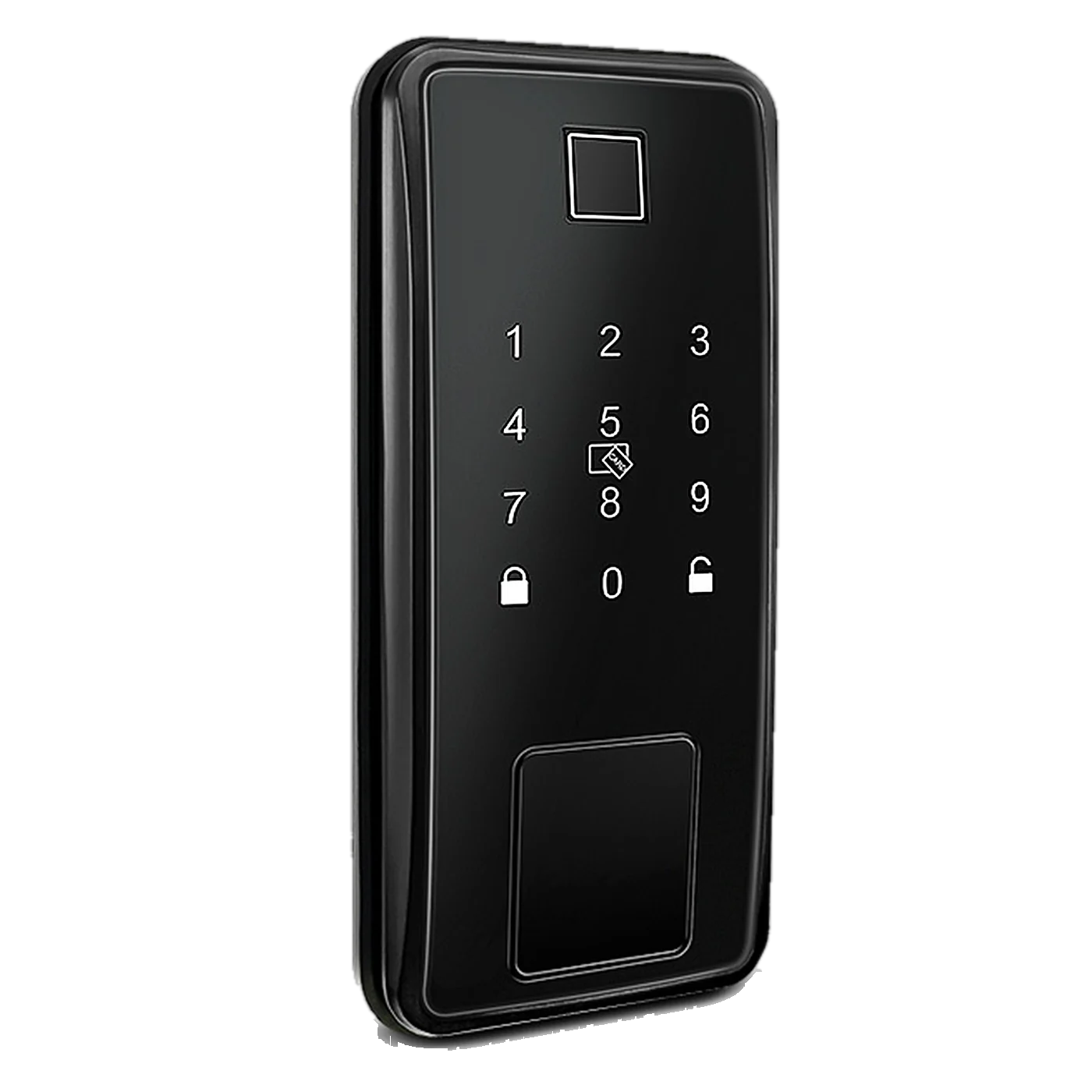
KS150
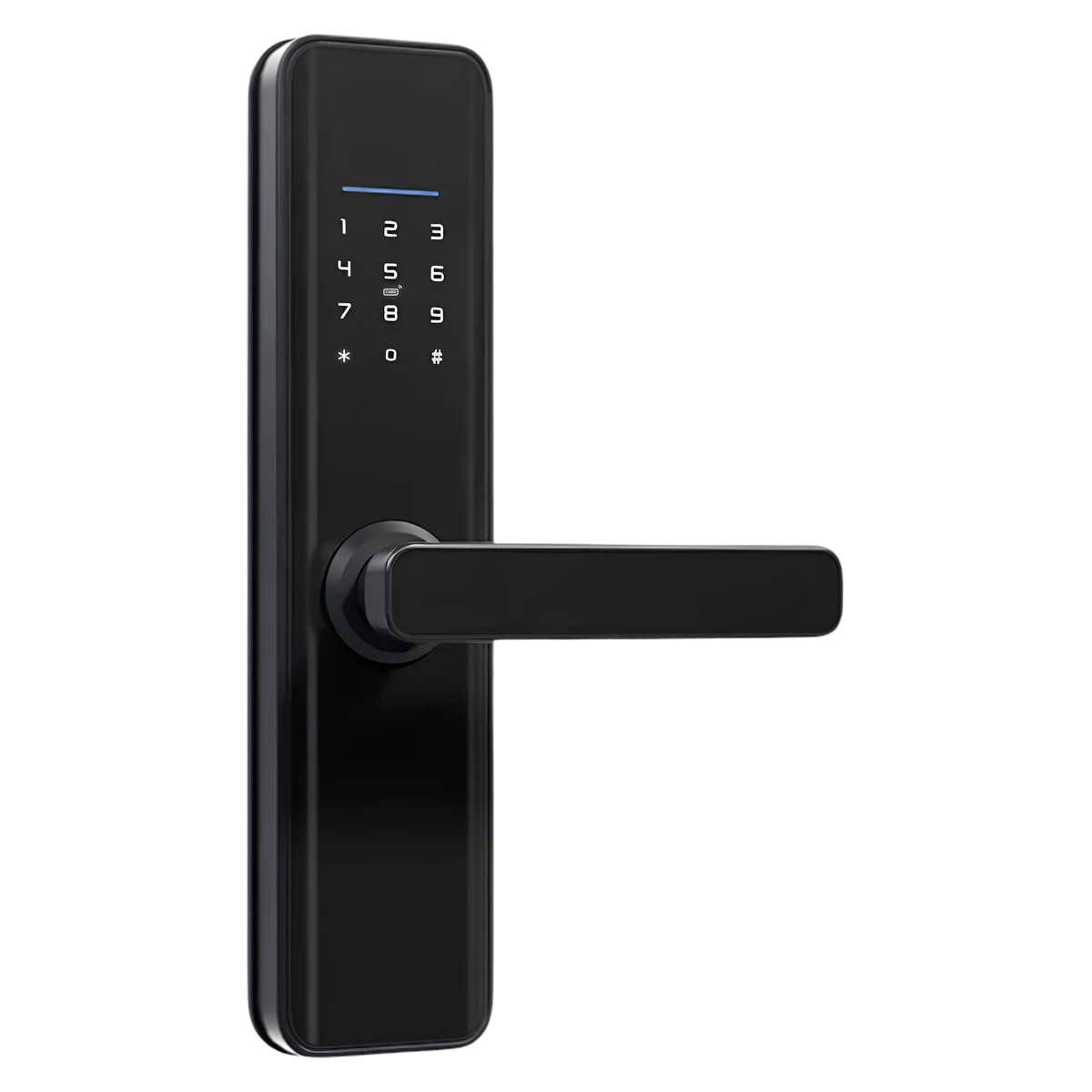
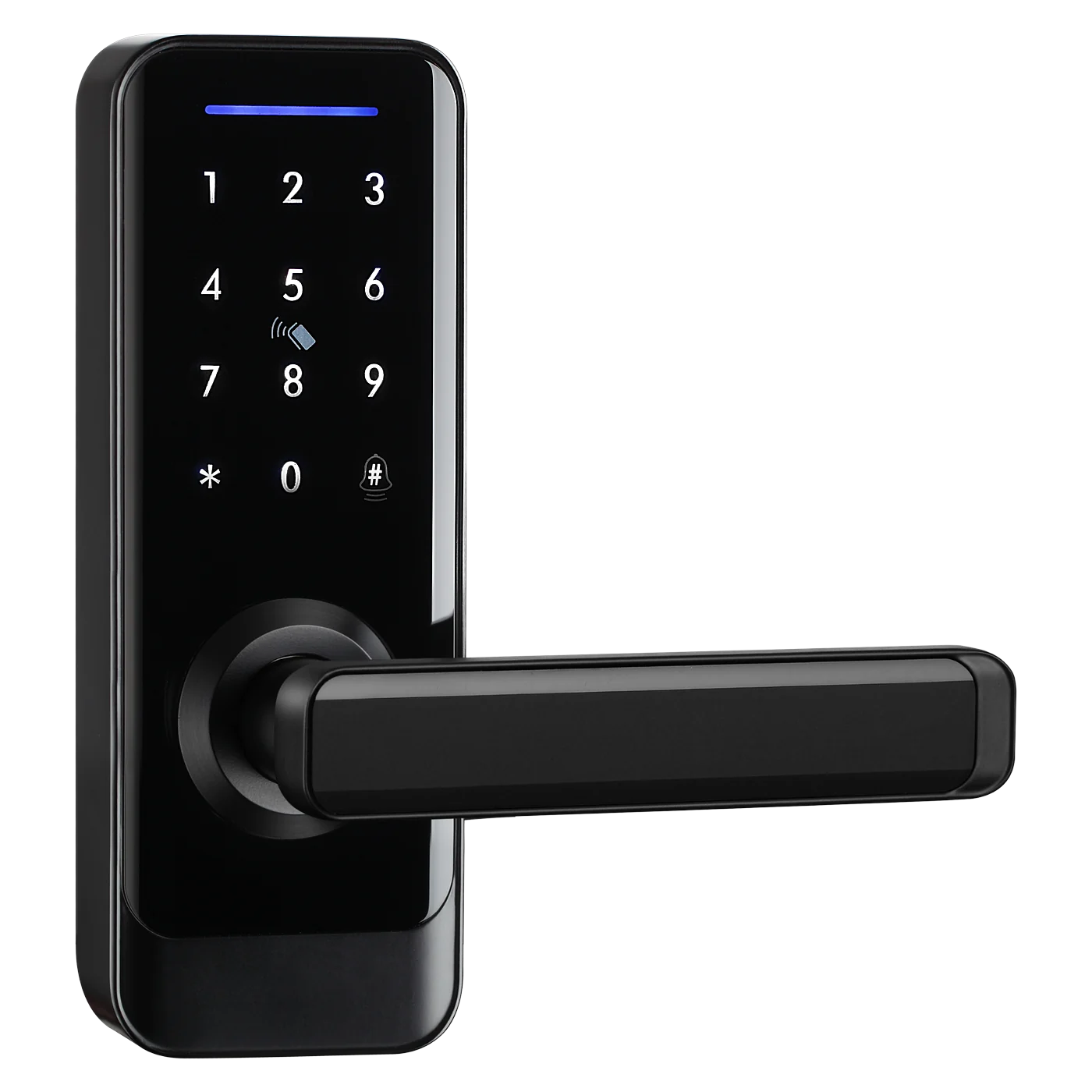
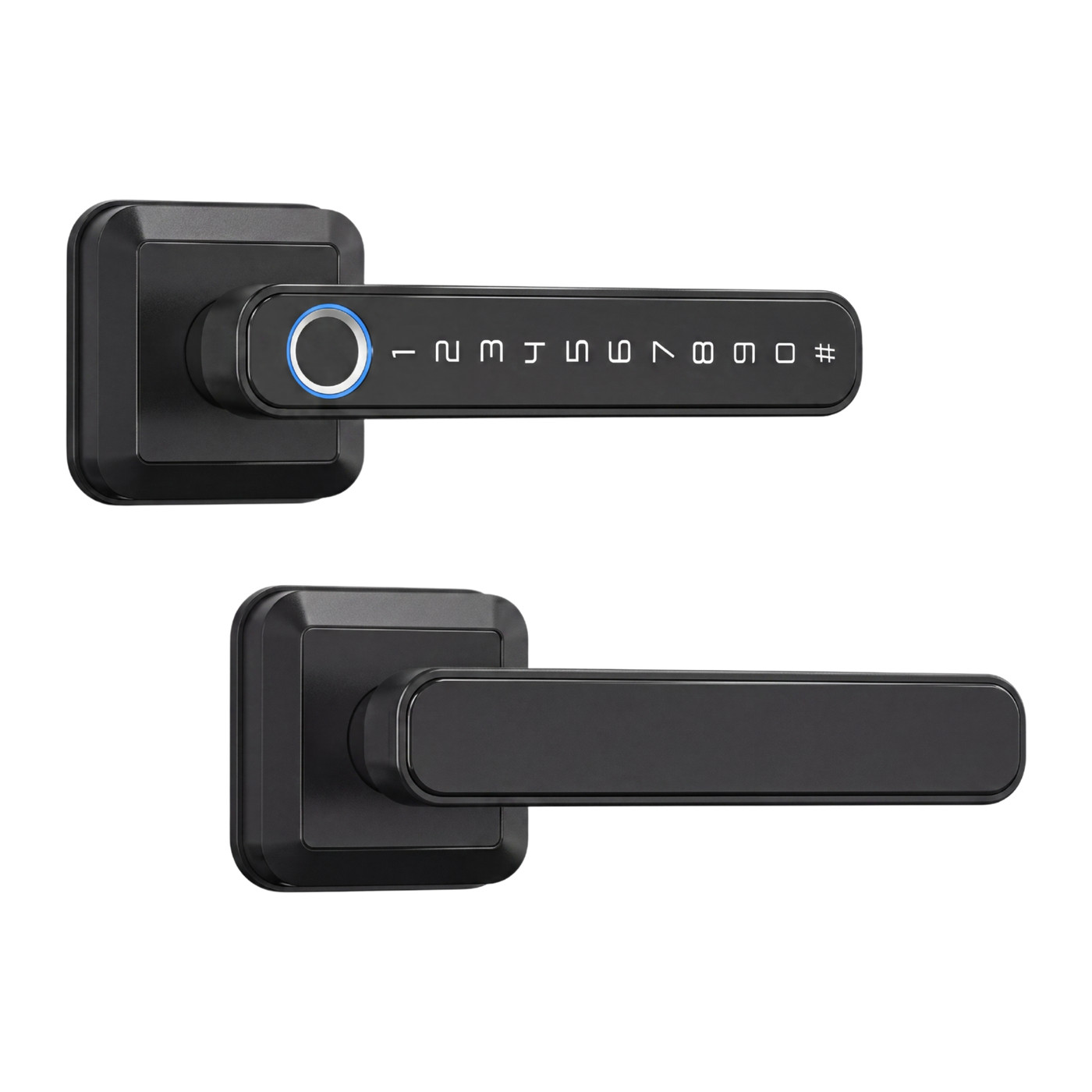
Deadbolt only, no handle. Glass touch keypad, tubular latch, backset adjustable from 60 to 70mm.
This deadbolt must be used with a latch roller ball or a concealed magnet, for consistent operation and to meet the warranty criteria. Installing it without one can void the warranty.
Have a locksmith install it. Most problems with smart locks come from how they were put in, not the lock itself. Our installers can do it and set up your PIN codes.
Specifications
From our drawings, our flyers and the manual in the box.
| Panel size | 155 x 64mm |
| Panel depth | 15mm |
| Inside unit | 166 x 69 x 30mm |
| Door thickness | 38 to 55mm |
| Material | Zinc alloy |
| Weather resistance | IP56 |
| Bluetooth | 4.0 |
| Battery | 4 x AA. Use good quality batteries and replace them once a year |
| Battery life | 8,000 unlocks, about 8 to 12 months |
| Backsets | 60mm to 70mm adjustable |
| Keypad | Glass touch keypad, 3 x 4 with lock glyphs on the bottom row |
| Mechanical key hole | Behind the lower front cover |
| USB emergency power | Yes, behind the lower front cover. It powers the lock so your code or key works. It does not open the lock or charge the batteries |
| Remote access | Wi-Fi gateway, sold separately |
| Fingerprint | Not on this model |
| Warranty condition | This deadbolt must be used with a latch roller ball or a concealed magnet, for consistent operation and to meet the warranty criteria. Installing it without one can void the warranty. |
Downloads
This is the same guide that comes in the box. The drilling template prints on A3. Print at 100% with fit to page turned off, and check the 100mm bar measures 100mm before you drill.
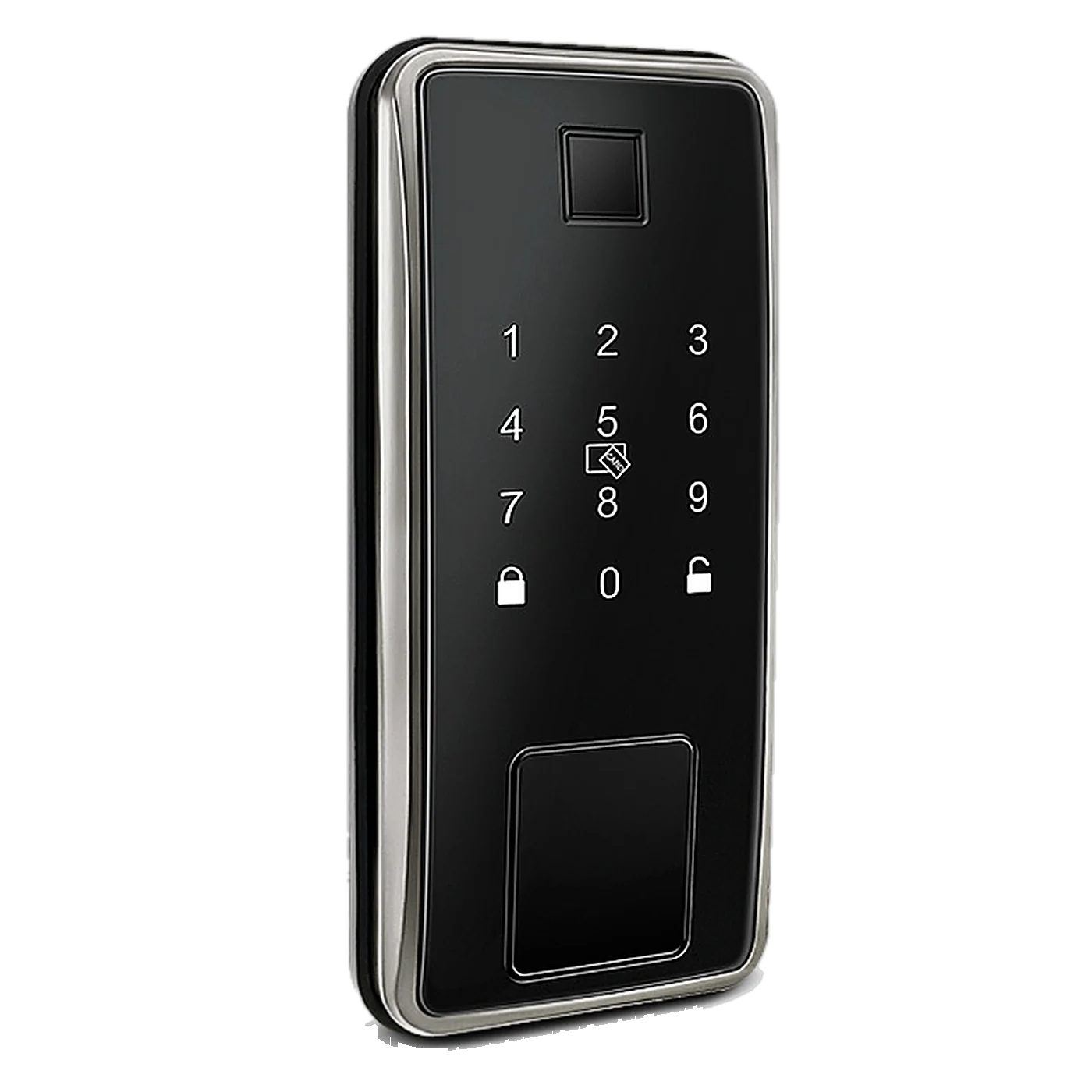
Four unlock methods.
- PIN codeSet your own on the keypad. Give each person their own code, and delete one without changing anyone else's.
- RFID card or fobGive each person their own card, and cancel a lost one in the app.
- Mechanical keyWorks whether the batteries are fresh or flat. On this model the key hole is behind the lower front cover.
- The TTLock AppSend an eKey, read the access log, set a temporary PIN from your phone.
Plug a USB power bank into the USB emergency power port, behind the lower front cover, and your code or key will work. It will not open the lock or charge the batteries.
The TTLock App
Free on the App Store and Google Play. TTLock make the app, so updates come from them. PIN codes, cards and keys work whether you use it or not.
- Send an eKey to a phone
- Read the access log
- Set a temporary PIN
- Transfer the lock when the house sells
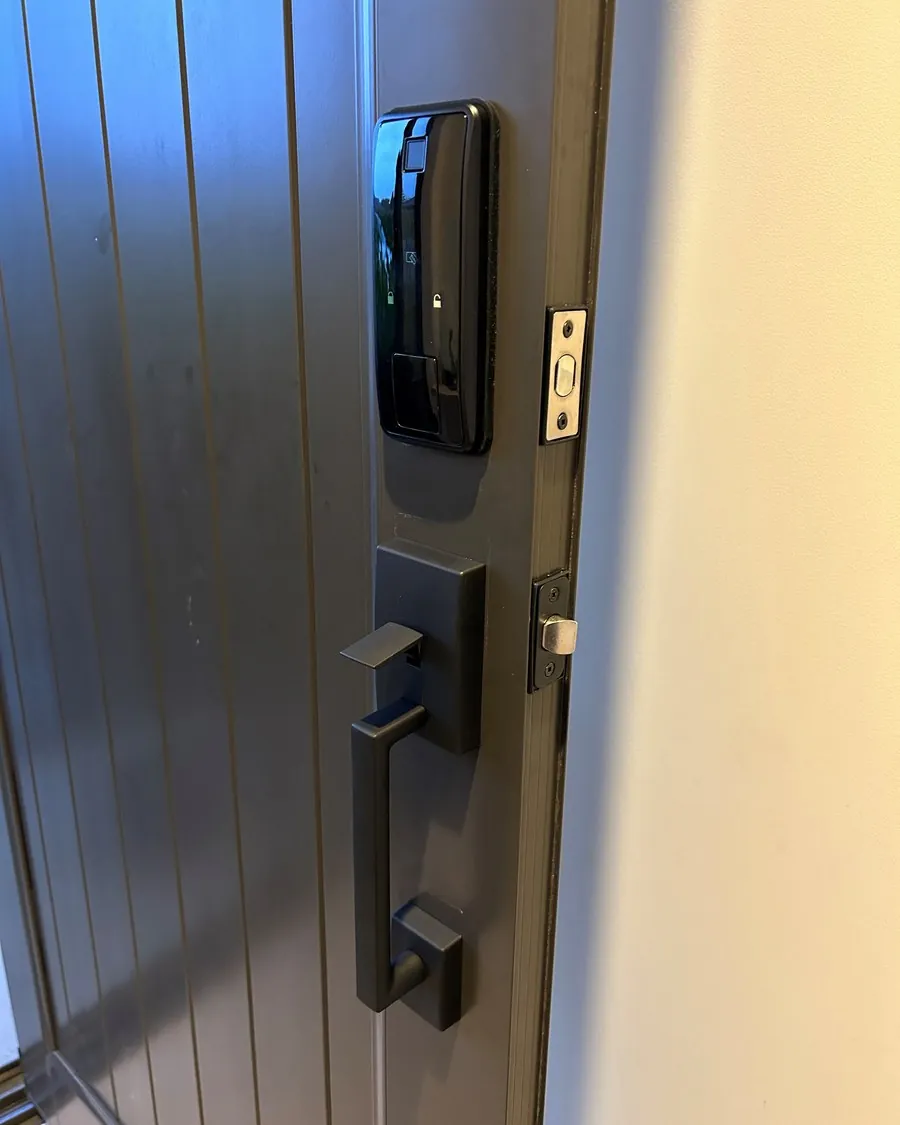
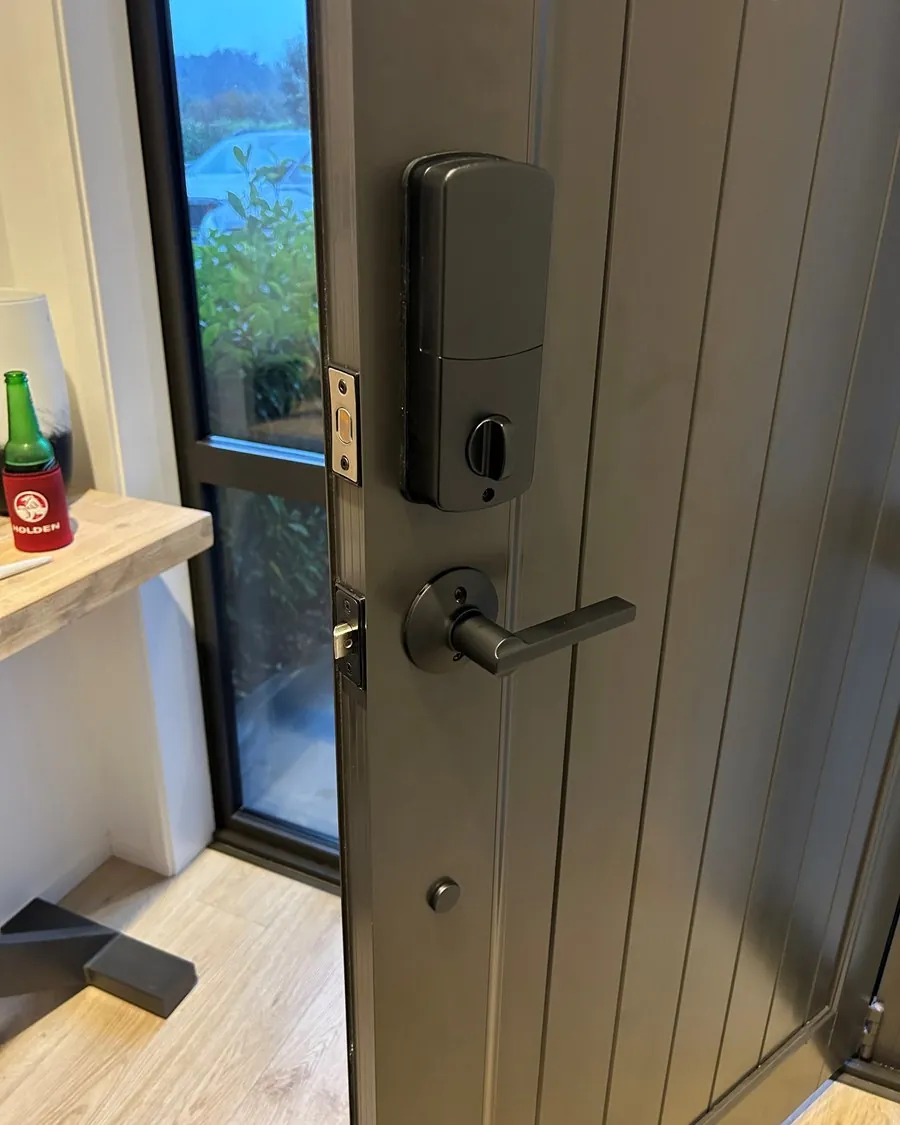
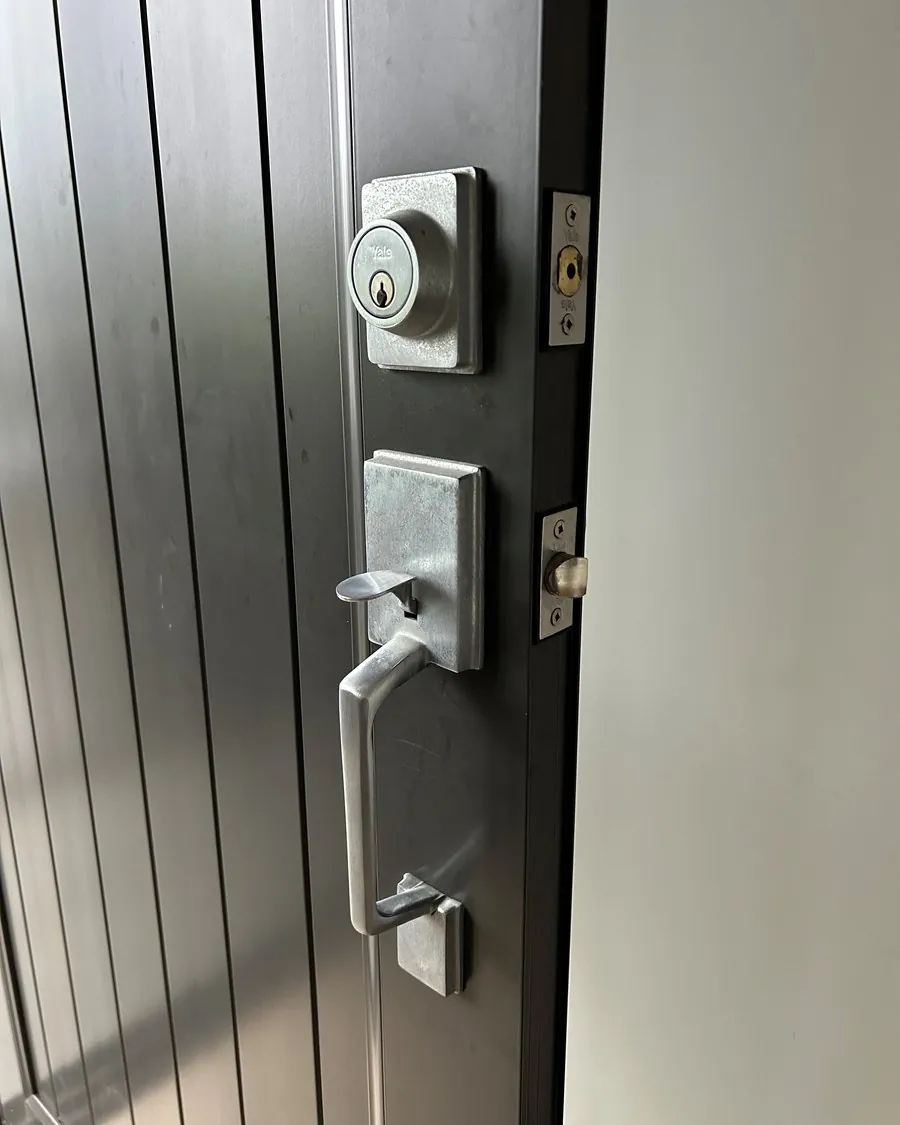
Installed
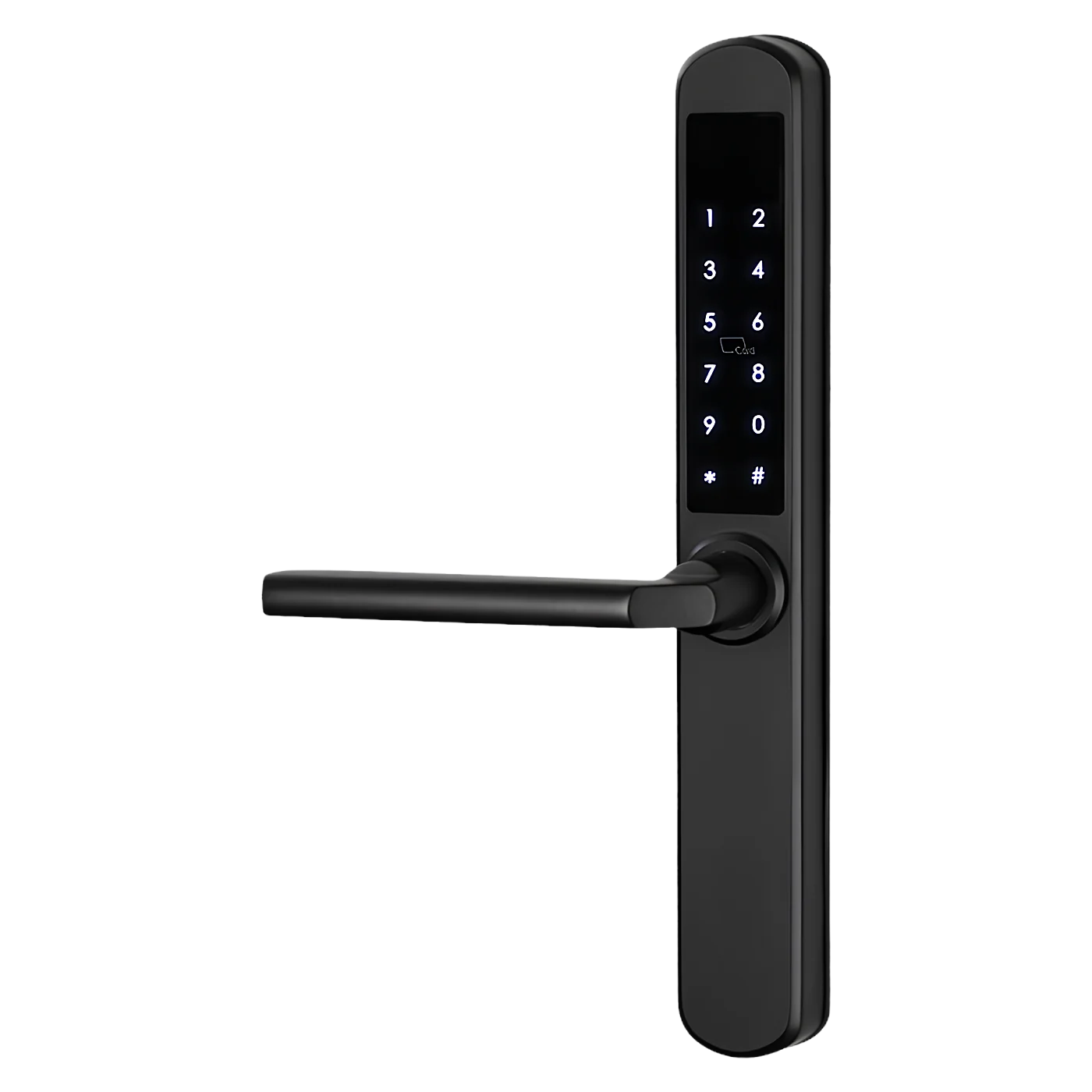
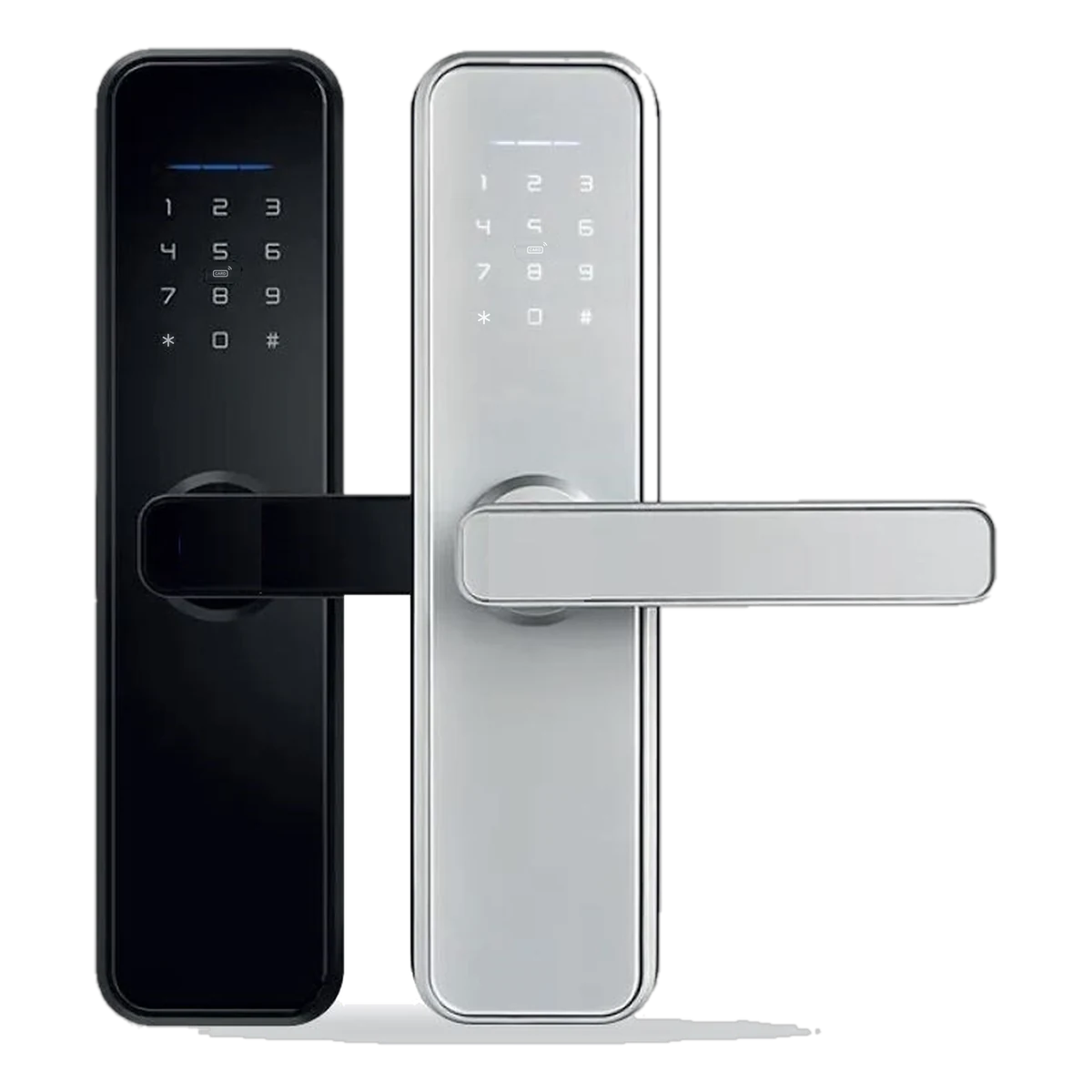
Other models
Narrowest panel first, because the width of your door stile decides which ones suit. New models are at the end.